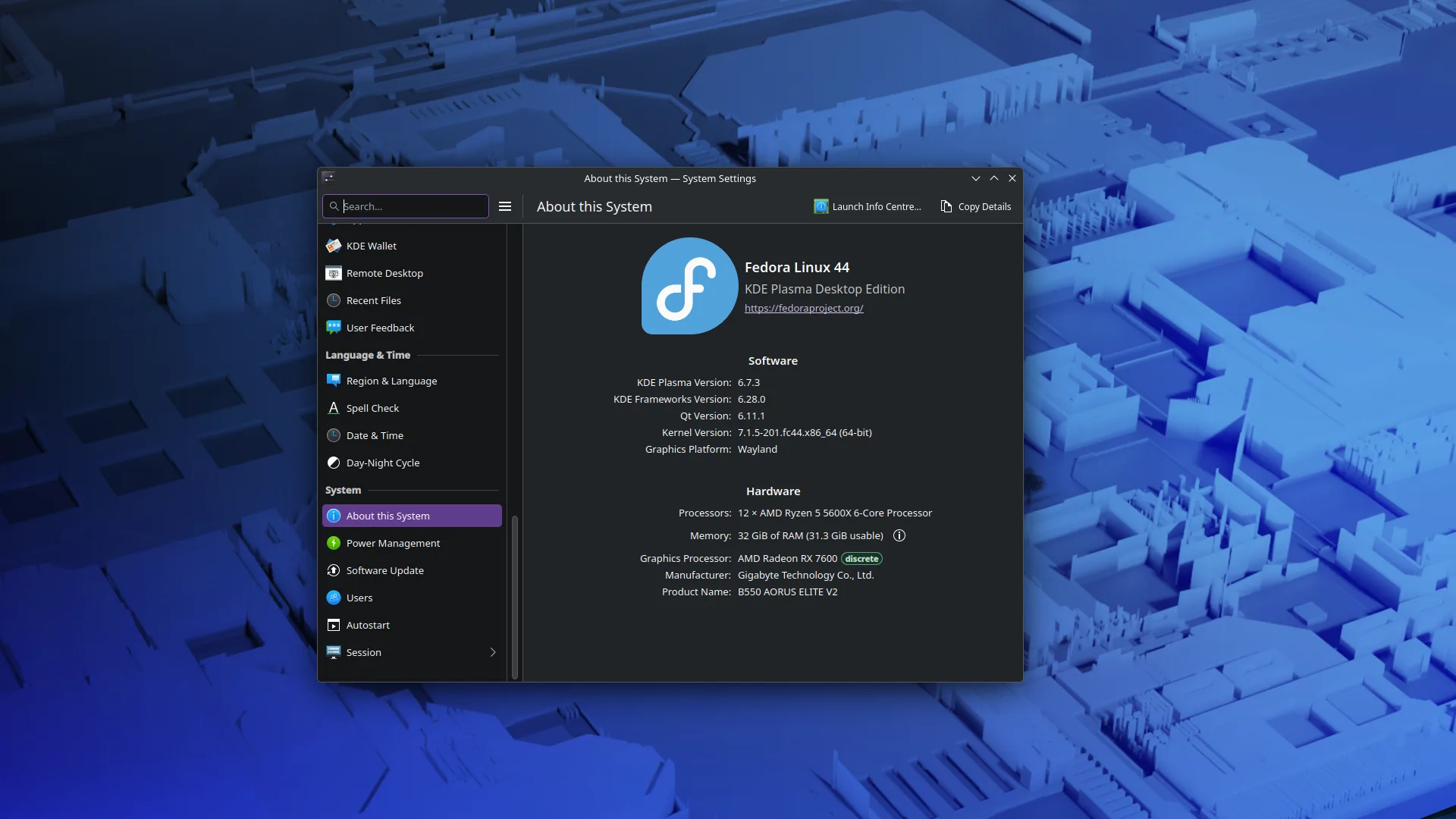
Two years into full-time Linux and I’m finally burning the distro-hopping cycle. I fell for the Arch/AUR trap for a while, but I got tired of spending my weekends debugging file manager crashes instead of maintaining my home lab.
Switched back to Fedora, and it’s boring in exactly the way I need it to be. It’s a stable launchpad for my projects, not the project itself.
Debian for everything.
Yes ! I don’t get why debian always seems to be forgotten outside of its server use. I have been running it for 2 years now (homelab, laptop and desktop).
Beyond none of its branches actually satisfying my preferences, I feel like the way it handles major version upgrades is way too involved. I suppose it makes sense; it’s paying back the accumulated debt of a couple years worth of bliss…
Having said that, my experience on Fedora Atomic is (almost) equally blissful without requiring any of that whenever a major version update strikes.
Don’t get me wrong; I definitely do believe Debian has its uses on desktop Linux. But I can’t shake off the feeling that they’re definitely more niche compared to say Fedora.
The upgrade issue is exactly why I don’t like Debian-based distros for my desktop
I love Debian, I use it as a desktop and it’s installed on all my machines, but it has some problems/quirks that make it hard to recommend it for desktop usage.
First one is that it doesn’t have sensible defaults, the OS expects a user who is an admin, one who will configure things to their liking. I would consider this to be a feature, if it weren’t for the second problem, the documentation. The documentation is wayy too dated, lots of pages in the wiki haven’t been updated since Debian Buster days!
A better recommendation would be probably a Debian derivative like MX Linux. They are more opinionated, but as far as I know, they come with better defaults and offer newer guides, documentation, etc.
Removed by mod
Debian is nice & boring, but I have had issues with how old its kernel and software versions are. 6.12 isn’t too bad for Trixie, but previously it was really terrible. When I was running Bookworm, I ran into plenty of situations where software I was compiling or getting from outside the repos (for niche software), wasn’t backwards compatible to the library versions Debian provided.
No hate for Debian, but it just doesn’t work for a lot of people. However, these days I would go for Debian over Ubuntu 10 times out of 10.
That is a release engineering issue on the developers side in my opinion though no less real. Developers targeting Linux should target the current version of big LTS releases like debian and Redhat enterprise if they are serious about compatibility beyond “works on my system”
For the vast majority of computer users I’d says debian is fine since most users hardly step out of the browser these days.
Staying compatible with LTS releases should absolutely be the goal, but that takes work from both sides.
If Debian is applying backported patches to old software (I think the oldest version I saw was 6 years out of support) that generates a nightmare to support for package maintainers. If there are features which are not supported since the version is so old, but there are backported security patches which change the API, the developers would essentially have to maintain a specific version for each LTS distro’s specific set of patches, and the number of versions you have to maintain and the length of time you need to maintain them for quickly becomes impossible to manage.
Stable is nice, but you can have stability without being criminally outdated, as Trixie shows. The ideal is to have a stable and up to date distribution.
And yes, most users would be fine due to just being in the browser, but thats true of literally any OS or distro, not specific to this.
I don’t think back ported security patches should be changing public APIs, are you speaking from actual experience or is that some kind of theoretical problem that might not actually exist or at least isn’t the norm?
debian always seems to be forgotten outside of its server use
Nah, not even for servers. SLSA and ISO27002. Validation in the other distros is better, and that’s night-and-day for server sector.
I worked Unix in 99-06 and there’s a reason their Linux offering wasn’t debian: that validation hole.
Debian for everything I need to not fall over, CachyOS for computers I want to fiddle with.
If you like to fiddle, I might suggest Arch. 😁 Hit me up if you want help with getting started!
CachyOS is Arch with a few tweaks, some of which are hard to do by yourself.
Fair enough. I thought it was one of those distros that you couldn’t change much once installed. My bad, if incorrect.
You probably think of Bazzite. Same gaming focus, but on immutable base, also very popular :)
No I was thinking of CachyOS, I just incorrectly thought it was immutable. 😊
Yeah, I tried pure Arch first, fucked up by not installing the right drivers for my old Nvidia card, and was never able to really get it running properly. So I gave up and tried CachyOS instead, on the basis that it’d probably get the drivers right for me. And it did.
I’d come with a word of caution then - while CachyOS automatically and conveniently installs with correct defaults, it is still a direct Arch derivative. Going forward, it will be just as easy to screw the system up and not know where to go next.
With that said, I strongly advise to learn to revert any change you can make to your system. The simplest way (assuming CachyOS installed root filesystem as btrfs) is to learn your way around snapper early on. Check tutorials on how to do it right on CachyOS.
With Snapper set up well, you can essentially undo any change. And this will be essential as you learn Arch (which CachyOS still really is).
Removed by mod
I did the same thing. Settled om Baazite
Me too, on all my desktop PCs. Aurora on my work laptop. Ublue rocks.
Bazzite is just right for my daily driver. I was hopping around different arch distros for a while, but I had some really weird encounters with btrfs and not being able to recover after kernel upgrades. Happened to me 3 times in the span of 2 years.
I have been on this Linux jam since 1996 with a CD copy of Red Hat that came with a magazine (Byte, maybe?). In 2018 I made the jump to Debian based distros specifically because I got tired of the surprises. Now my lab runs LMDE. The only thing more stable and boring is Debian Stable itself.
Like you said, I want to focus on my projects, not have the OS be my project.
deleted by creator
That is strange.
deleted by creator
I had Debian stable on my T480 for some time (maybe 3 years) and had no trouble at all. I was running XFCE at that time.
At the same time, Ubuntu is so dumbed down thst certain things are impossible via the UI. I spent a whole day and 5 reinstalls to be able to install an encrypted OS next to another partition. This used to be trivial though the infstaller.
Stable doesn’t necessarily means there aren’t any bugs, it just means it doesn’t change or changes are minor. Of course most bugs shouldn’t be a show stopper, though annoying they should have a way to bypass them or simply not have that great a impact.
I recall when using and regularly updating Arch, a library update borked a software dependent on it — a software required for a Uni class mind you — and while I managed to get it working afterwards, I had to stay awake through the night. That’s the difference between stable and rolling release, that wouldn’t happen as easily on Debian stable.
For most users a rolling release model is fine, for servers, it’s not.
Depends on what value of most “users” we are talking. Most users rarely stray outside the browser and I’d say rolling release with the risk of breakage it entails would not suit your average user very well at all.
Power users that are trying to eek out every drop of performance sure.
It’s a compromise. Of course you wouldn’t install a rolling release model OS on your grandma’s PC, but it can be necessary to have the latest drivers and software, and you don’t need to be a power user when the only thing you want is either compatible hardware or software. I concur that Arch is mostly for power users, though its derivatives don’t have to be.
My first Linux distro was Red Hat 6 around 1996 I would suspect. It came with a Linux book that I bought.
I am pretty sure I started with either Halloween or Mother’s Day because Red Hat Linux for Dummies came with Red Hat 2.1 which I am pretty sure came out in 96 or 97. I know Red Hat 6 was released in 1999, because I was neck deep in Y2K work at the time I installed it on my Compaq laptop.
I found the O’Reilly Red Hat 6 book online and it came out in August 1999. I would have pegged it earlier than that but I guess not.
Debian for servers and fedora for desktop for me.
Some people I will put on Mint for desktop use, if they are super non-technical.
I love mint and I’m at least a little technical. Although I’m still mad I couldn’t get fedora working on my laptop.
What did you struggle with?
The live USB would boot, but the install would fail. It was my only computer at the time, so I needed it up and working and couldn’t really troubleshoot. In fairness, ASUS is not known for it’s Linux support.
Bazzite has lots of customizations built-in if you download the Asus spin.
Interesting! I’ll have to check it out. I’m a little wary of immutable distros though. I do a fair amount of tinkering and random package installs. And I dont love flatpak.
They are not as restrictive as people make them out to be. Ostree works quite well for installing a primary app like a different browser.
If you want to avoid dependency conflicts entirely, You can have a look at distro shelf. It allows you to run a container for nearly any distro, install packages and then export those apps to run like native apps. I use it all the time when something is only supported via package and not flatpack, or some other distro only.
The container still maps to your same home folder for file and config access.
I have 3 containers, a fedora workstation one for standard apps I don’t want to do via Flatpak or AppImage. An Debian one for deb packages. And lastly a Arch one, which is for the more experimental apps. If I end up breaking something, I can just wipe the container and start again.
Well, I think I know what I will dive into next when my free time opens back up. First things first is rebuilding my homelab after drive failure. Thanks for the tips!
Exactly what I do
Holy shit me three. Although I am currently running an experiment where my partner, who is less technically inclined, is using zorin instead of mint. Been about 2 weeks since I refreshed their laptop. They still haven’t turned it on. Will report back.
Insert spongebob time meme.
What is it with everyone going to Fedora? New Ubuntu apparently.
Fedora is solid these days, well the last few years. It’s been so easy and everything is up to date, not lagging behind lke Ubuntu.
Ubuntu been awful since the beginning, always buggy always needing to be rinstalled at some point.
It lives on hype alone. I would choose anything over Ubuntu.
Fedora recently provided some exciting developments in the Linux world, and it’s genuinely interesting to follow.
It’s also reasonably new and reasonably stable, which is often so much of a pain point to balance.
Also, I mean, it is the distro Linus himself prefers.
Linus liking something doesn’t mean anything. He has some other strange opinions too.
Sure, and it’s not about liking. It’s about being damn sure Fedora will keep up with Linux development.
Linus is not the one to distro-hop, and you can be sure that his workstation will be perfectly operational and up to date with Linux development. And therefore, yours can probably be too.
I don’t get it, but I also haven’t used Fedora since like 2007. I settled on Ubuntu for a while then jumped ship to Arch, and maybe for the first time I haven’t been wondering where I’d go to next because something frustrated me with the os lol
You know? Like, there’s zero friction with Arch, I feel like. It’s just out of your way.
Removed by mod
You have commented this under every arch mention and are too stupid to know the difference between pacman (package manager) and AUR (Arch User Repository) even when every recent article states this.
I always had too many bugs on Ubuntu. Fedora has been solid from the beginning. Only ever had two issues with it in 4 years. I never had such stable experience before.
CachyOS anyone?
For gaming, oh yes. And enable snapshots so you can rollback to a working version if the latest update shits the bed.
My partner isn’t IT-literate but loves her CachyOS since it means not having to deal with Windows
Just switched my wife to EndevourOS because she wanted to ditch windows and it’s what I daily drive. Maybe should have done cachy but I didn’t think about it and didn’t want to put her on something I also don’t have direct experience with.
Went from OpenSUSE way back then, moved to Ubuntu for a while, then when I decided to finally switch totally to Linux, I went with Arch. Last December I migrated to CachyOS and I really like it. I remove a bunch of stuff on installation and I install no DE/WM as I prefer to bring my own config, but as a base, it’s solid and has some stuff already configured that I don’t have to do, like btrfs snapshots for example.
I just swapped over yesterday to Fedora from Ubuntu. It’s been a good experience so far! Except for installing nvidia drivers, still working on that
Why do distros make that so difficult?
# pacman -S nvidia
# systemctl reboot
Good to go. 🚀
Fedora doesn’t ship proprietary NVIDIA drivers in its official repos and doesn’t include 3rd party repos with proprietary software either. This is for licensing and I guess philosophical reasons. Arch has a different approach. That’s why.
Can’t you access those with RPM Fusion or something? Whenever I’m able to switch back to Linux I’d really want to start daily driving Fedora
Yes, you can easily add 3rd party repos, they just aren’t included in the Fedora distribution. I’m sure there are instructions on the RPM Fusion website for it.
Removed by mod
Pacman doesn’t fetch from the AUR.
Shouldn’t be difficult. Add the rpmfusion repo and install drivers (with akmods that handles everything when the driver / kernel updates). Instructions on the rpmfusion web site. After that, setup dnf-automatic and you’re done.
Ubuntu has (imo) always been incredibly difficult dogshit for no reason. The fact it used to be the defacto Linux recommend is probably one of the reasons adoption was so slow
Fedora for fun, OpenSUSE for work.
Nobara for fun, rocky for work.
I worked on United Linux, with suse. Never again.
Uh, twenty years ago? Why’s that?
Debian for server, NetBSD for tinkering
I don’t do either of those things tho
Then OpenSUSE for everything else
I also settled on fedora with kde but the fans in my laptop keep spinning up every few seconds, even when locked. It’s very annoying.
Is your computer Lenovo by chance? I experience the same with my Lenovo laptop. I could figure out some tweqks to calm it down a little bit, but it’s still running quite often despite a minimal load.
It is; it’s a Lenovo Legion 5. Or something like that.
This issue seems symptomatic to Lenovo Legion laptops, as far as I know. Something seems to trigger the cooling effect. Mine also is a Lenovo Legion laptop.
That’s strange, I hadn’t heard that thanks. Time to do some research.
I get the opposite with any Linux distribution I’ve tried on my HP laptop. Windows, fans never shut up but with Linux just pure silence!
I sometimes dual boot into windows on the same laptop and it also hits the fans hard, especially after booting up, but it doesn’t suffer the periodic fan problem. Not that I’m shilling for windows. I hate windows and use Linux on my server.
Apparently I lied. My laptop is running windows with the lid closed and the fans are occasionally firing up for a second. Strange.
“i use arch”
btw
Removed by mod
This is the way.
Don’t get comfy, I used to be fedora, then debian, then arch. Mint + Cinnamon is my final resting place.
I like cinnamon. Haven’t run desktop Linux since slackware, so it was a breath of fresh air on Nobara.
I fell for the Arch/AUR trap for a while, but I got tired of spending my weekends debugging file manager crashes instead of maintaining my home lab.
What sort of file manager crashes were you having?
Right mouse click, it was an intermittent issue and never did get to the bottom of it as the only forum posts I could find were from 10 years ago. Yes I know I could of used the keyboard shortcuts but my muscle memory is more mouse orientated than keyboard lol
Fedora (Silverblue in particular) was the end of my distro hopping journey too. It’s just so pleasant to use and it’s comfortably up to date. I also like its tendency to push newer technologies.
Agreed. Fedora is great. Although I do prefer gnome.
What makes you prefer Gnome? To me, it always felt too simple, as if they’re treating the user like a child learning how a computer works. I have the same issue with MacOS too
I could make any de do what I want, but gnome is closest to what I’d build out of the box. And that’s a very simple interface. I particularly like the finger gestures on my laptop touchpad. Once you train your brain, you zoom between desktops and programs on a single screen laptop equivalent to multiple monitors.
Additionally, I’ve found a few simple extensions that I’m sure have kde equivalents, but I’m a creature of habit. Grid is awesome, makes window tiling and snapping awesome. Caffeine for keeping things alive. And a few others. Mostly though it’s just speed of use - especially on the laptop.
One thing though I hate about gnome though is its high dpi monitor scaling support with Wayland when gaming. There’s four or five really dumb things it does. Sometimes it’s easiest to just change the resolution to what you want prior to launching the game.
same reasons as OP. I want my desktop OS to be simple, and I focus on my homelab
Isn’t gnome the default DE on Fedora?
Yes, in one of their two main releases. The other default is KDE Plasma.